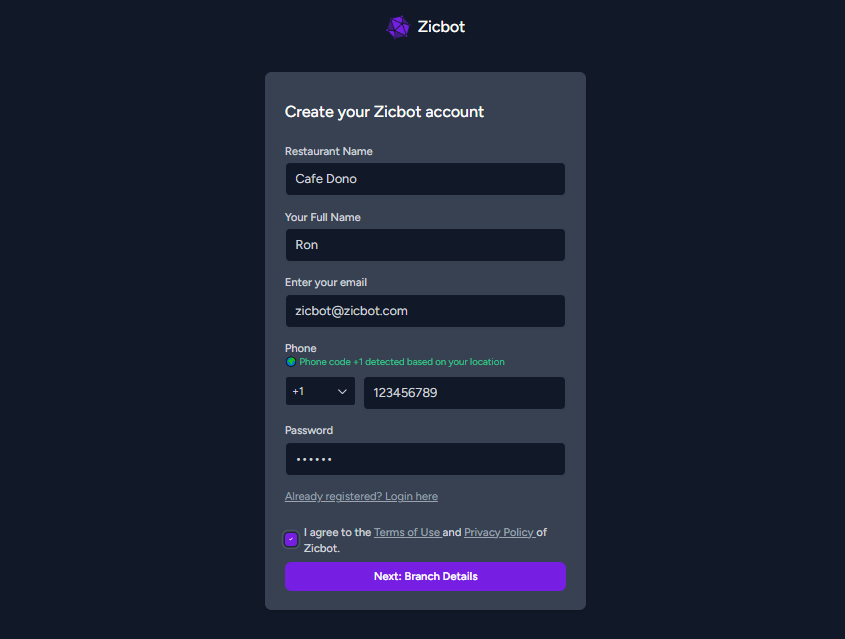
To start using Zicbot, you’ll need to create your restaurant account. Follow these steps:
- Go to the signup page: https://app.zicbot.com/restaurant-signup
- Enter your restaurant details, including name, email, phone number, and password.
- Once all fields are filled in, click “Next: Branch Details” to proceed to the next step of your setup.